Become a Job-Ready Full-Stack Developer
Learn the exact skills companies hire for — step by step, with real projects — and build a portfolio that proves you’re job-ready in about 6 months.
Start Learning NowWhat You'll Learn
- Learn HTML, CSS, JavaScript, and React from scratch
- Master backend APIs with Python, Django, and databases
- Deploy real apps using Docker, Terraform and CI/CD tools
- Build a portfolio-ready full-stack project
- Build a real-world Python command-line app from scratch
- Become job-ready in 5–6 months, even with zero experience
What You’re Signing Up For
You’re enrolling in a guided learning program that teaches you how to build real websites and web applications from scratch.
You’ll:
- Start from the absolute basics (no experience required)
- Learn frontend, backend, and deployment skills
- Build real projects you can show to employers
- Follow a clear path instead of guessing what to learn next
This is not just random tutorials — it’s a structured roadmap designed to take you from beginner to employable.
Who This Is For
✅ Complete beginners
✅ Career switchers
✅ Self-taught learners who feel stuck
✅ Anyone who wants a clear path into software development
🚫 Not for people looking for shortcuts or “get rich quick” promises
How the Program Works
You’ll follow three clear phases, each building on the last.
Phase 1: Frontend Foundations (What Users See)
You’ll learn how to create real, professional-looking websites.
You’ll learn how to:
- Build webpages using HTML & CSS
- Add interactivity with JavaScript
- Create modern user interfaces with React
- Make sites responsive (mobile-friendly)
What you’ll build:
- Multiple real websites
- Interactive frontend projects for your portfolio
Phase 2: Backend & Databases (How Apps Work Behind the Scenes)
You’ll learn how to make your websites actually do things.
You’ll learn how to:
- Create servers and APIs
- Work with databases
- Handle data
- Build applications using Python & Django
What you’ll build:
- Full-stack applications
- Backend-powered projects employers expect to see
Phase 3: DevOps & Deployment (Going Live)
You’ll learn how professionals deploy real apps.
You’ll learn how to:
- Deploy your projects online
- Use version control (Git & GitHub)
- Understand how apps run in production
- Work with tools used by real development teams
What you’ll finish with:
- Live, deployed projects
- A portfolio you can send to employers
Each course ends with a capstone project — a complete, deployable app that proves your skills and strengthens your portfolio for job applications or client work.
By the time you finish, you’ll have:
✔ A strong foundation in web development
✔ Multiple real projects (not toy examples)
✔ A portfolio that shows what you can actually do
✔ The confidence to apply for junior developer roles
Choose Your Plan
Lifetime Access – Pricing Varies
One-time payment. You’ll own the course or bundle you purchase — with lifetime access to all current and future updates. No subscriptions. No expiration.
Starting from $57
Enroll NowMonthly Plan
Learn at your own pace. Cancel or re-subscribe at any time.
$34.99/month
Try Monthly PlanFrequently Asked Questions
What Students Are Saying
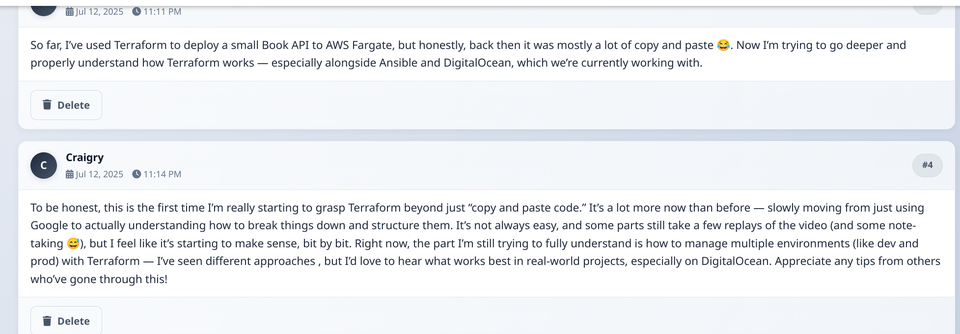
"To be honest, this is the first time I’m really starting to grasp Terraform beyond just “copy and paste code.” It’s a lot more now than before — slowly moving from just using Google to actually understanding how to break things down and structure them. It’s not always easy, and some parts still take a few replays of the video (and some note-taking 😅), but I feel like it’s starting to make sense, bit by bit. Right now, the part I’m still trying to fully understand is how to manage multiple environments (like dev and prod) with Terraform — I’ve seen different approaches , but I’d love to hear what works best in real-world projects, especially on DigitalOcean. Appreciate any tips from others who’ve gone through this!"